Sam can’t believe this comeback 😱
Sam’s reaction to the last-second save.
First 3 tags show above the title
Autonomous clipping agentsNew
AI agents watch every stream, cut the moments people share, and post them everywhere. Around the clock, with no editor.

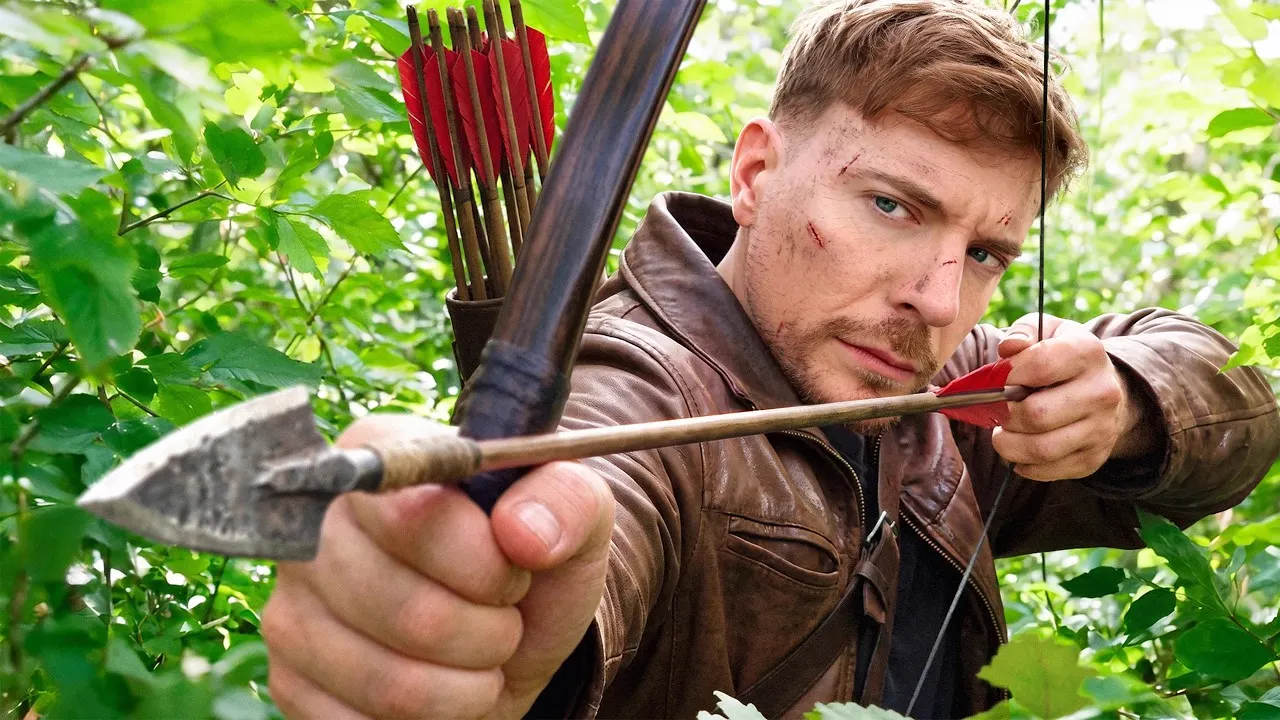
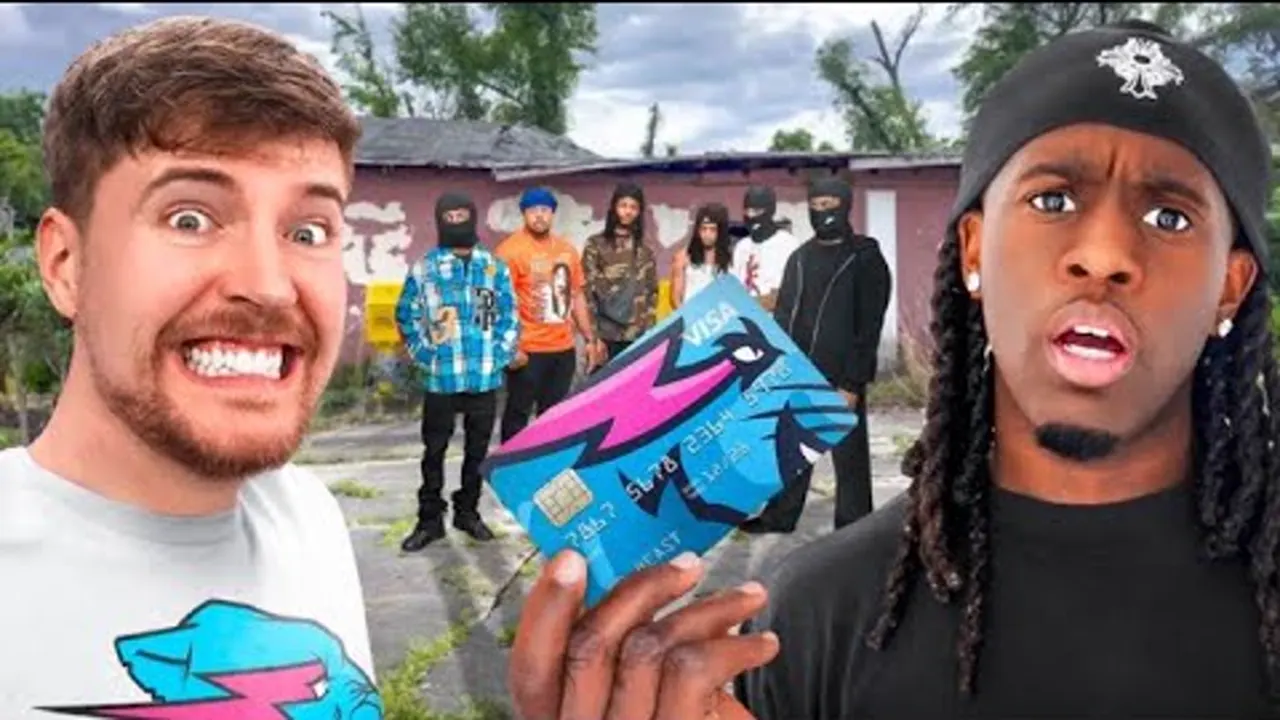 Clipping IShowSpeed, MrBeast, Kai Cenat
IShowSpeed just went live on YouTube. Recording now.
Argus · ScoutWorks with
[ The pipeline ]
01 / 06
ArgusScout agentKick, Twitch or YouTube. Records in chunks while the stream is still running.
02 / 06
IrisAnalyst agentSpeech, audio energy and chat speed, mapped minute by minute.
03 / 06
OrionFinder agentHook, emotion and payoff. The best moments rise to the top.
04 / 06
NovaClipper agentFace found and framed, captions timed to the word, music and your brand on.
05 / 06
VegaReviewer agentClips over your bar go straight through. The rest go to the creator’s phone.
06 / 06
EchoPublisher agentShorts, Reels, TikTok and X, each at its best hour. Views flow back in.
[ Who it’s for ]
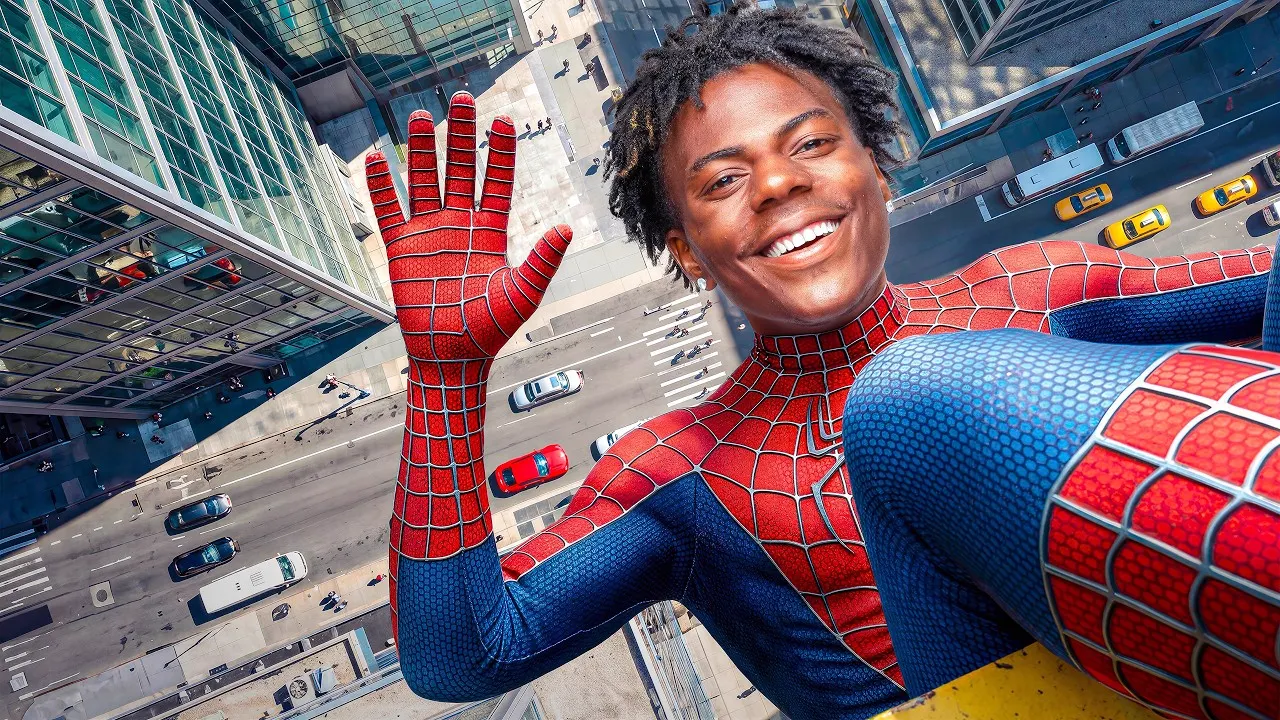
Go live. Wake up to a week of Shorts.

Run dozens of creators with a team of three.
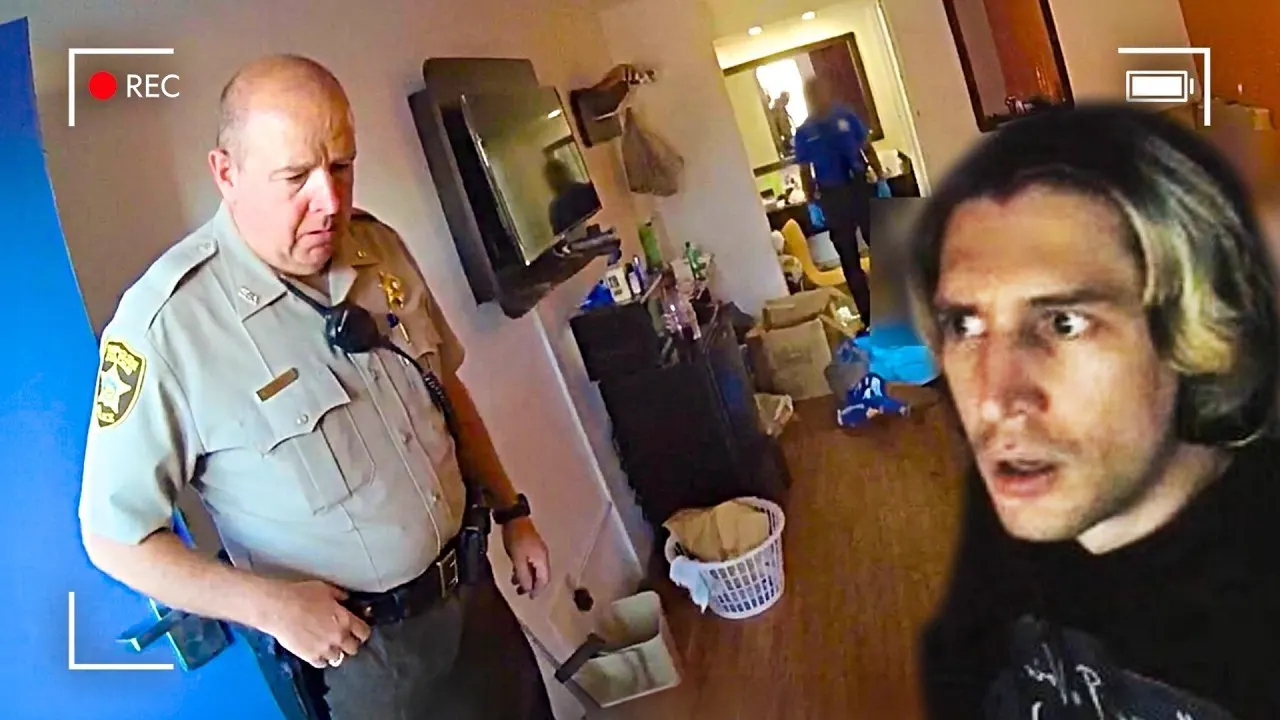
Post more clips in every campaign. Earn more.
Every creator you manage, posting daily, on brand.
[ Agents ]
Every agent has a name, a face and one job. Give one a whole channel or split the work: a clipper per creator, a publisher per platform. They run in parallel, around the clock, and tell you what they did.
Recording IShowSpeed, chunk 12
Full flow
Owns a channel end to end: records, clips, reviews and posts.
Rendering 4 clips, split facecam
Clipper
Turns streams into clips in your template, captions and brand.
Approved 3, rejected 1
Reviewer
Clears the review queue with your quality bar, so you don’t have to.
Shorts at 6:00, Reels at 7:30
Publisher
Posts approved clips where you pick, each at its best hour.
13 streams found
Researcher
Sizes up a channel: how many streams, how long, what’s not clipped.
Suggest
Agents find and cut. You approve every clip.
Rules
Agents approve what clears your bar; the rest waits for you.
Autopilot
From stream to post with nobody in the loop. You get a report.
[ Finishing ]
Before a clip goes out it gets a narrator, an optional mascot, a title and caption written for each platform, and a place on the calendar. The clip stays about the creator and their reaction: no spoilers, no bait.
AI voiceover
A short AI commentary on the creator’s moment, placed where they’re quiet, with the original sound dipping underneath. Pick the workspace’s narrator voice, language, energy and speed, and require a voiceover before a clip can post.
Presenter
Upload your own cartoon presenter, one transparent file per pose. It slides into a bottom corner while the voiceover plays: waves as it starts, talks and points through it, looks shocked on a shock beat. You pick the corner, its size and how many clips get it.
SEO
Search-first titles, a keyword first line, a credit line when the footage is from someone else’s channel, and your hashtags in order, capped per platform: YouTube ignores more than 15, and every tag on X costs characters.
Calendar
Scheduled and published posts on a week view. Each one goes into the next free slot in the creator’s posting window, with a daily cap per platform, and slots move to the hours their posts did best once there’s enough data.
[ Studio ]
Every clip opens ready: trimmed, framed and captioned. Swap the template, restyle captions, add music or sounds, re-render in one click.
Share one link. The creator watches, approves or leaves a note from their phone. No account, no login.
Every step an agent takes can ping you: in the app with a sound you pick. You choose exactly which events.
Teams & roles
Owners, admins, editors and creators. Everyone sees exactly what they should.
Every creator, separate
Own sources, own brand, own connected accounts and app keys.
Smart scheduling
Posts spaced per platform at the hours your audience shows up.
Analytics
Views per clip, platform and creator, refreshed automatically.
Private by design
On the Creator plan your recordings never leave your computer. Your clips, your Claude.
Audit log
Every approval, post and change, with who did it and when.
[ Platforms ]
Streams from Kick, Twitch and YouTube go in. Vertical clips come out on Shorts, Reels, TikTok and X.
Agents at work
[ Devices ]
Web
Add streams, review and edit clips, schedule posts, run your creators and team. Nothing to install.
Desktop app · Mac and Windows
On the Creator plan, StreamCut records and clips your streams on your own computer, with your own Claude. Recordings stay on your disk.
Phone · iPhone and Android
Add it to your home screen. Get notified, approve with a tap, schedule, and share clips straight into Instagram, YouTube or TikTok.
On StreamCut credits, nothing to install: StreamCut’s computers do the work and you use the web.
Get the apps[ Pricing ]
Use your own computer and your own Claude.
Pay for 1 to 12 months upfront · no auto-renewal
Fully managed: no install, no setup, pay per use.
An invoice with every payment
Point an agent at a channel tonight. Wake up to clips. The Creator plan is ₹99 a month.
AI agents that turn long streams into short clips: found, cut, reviewed and posted without you lifting a finger.
© 2026 StreamCut. Not affiliated with YouTube, Meta, TikTok, X, Kick or Twitch; their names and logos belong to their owners.